Where to Buy Kindle Books in the UK: Stores, Libraries and Deals
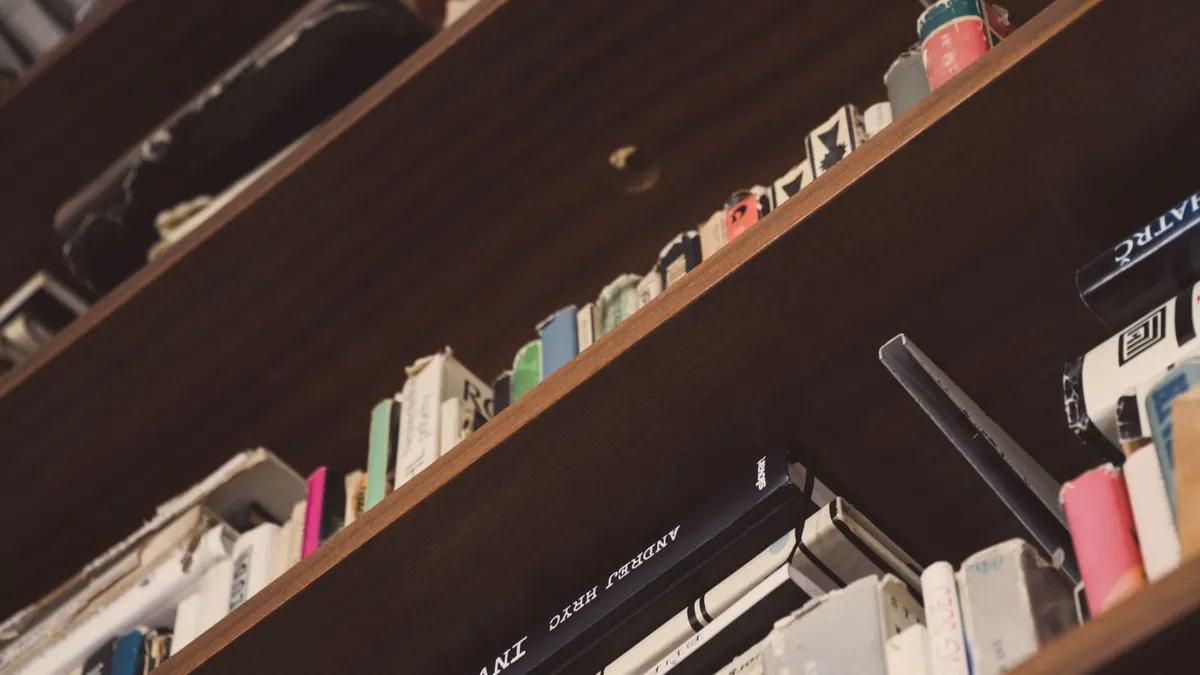
An empty Kindle is not much use. The good news is that the UK has more legal places to find ebooks than most owners realise: Amazon's own shop, obviously, but also council library services, public domain archives and a handful of publishers who sell files you can send straight to your device.
Here's how each option works, what it's actually good for, and the small habits that keep the cost down over a year.
Almost everything you buy for a Kindle comes from Amazon, and that's not just habit. The buying process is one tap, the book appears on every device you own, and your reading position follows you between your phone and your e-reader. Samples are free and generous enough to tell whether you'll finish a book. Pre-orders arrive on release day. A wishlist keeps track of titles you're curious about but not ready to pay full price for.
Two practical details worth knowing. First, every Kindle book has a free sample button — use it before buying anything over a few pounds, because a strong blurb and a weak first chapter is a common combination. Second, Amazon's returns policy does allow you to send back a Kindle book you bought by mistake, but it isn't a lending library and treating it as one risks your account. Buy what you intend to read.
Amazon runs several overlapping promotions, and they suit different kinds of reader.
The trap is buying at full price out of impatience. Most traditonally published ebooks cycle through a promotion at some point, and books you're mildly interested in are exactly the ones worth waiting on.
The habit that saves the most money is the dullest one: put it on the wishlist and wait.
This is the most underused option in the UK. Most council library services now offer ebooks and audiobooks through an app, and many let you join online without visiting a branch. You'll need proof of address, but the card is free and usually gives you access to several services at once.
The two names you'll meet most often are Libby, which powers OverDrive collections, and BorrowBox, used by a large number of councils. Both work well on a phone or tablet. Both include audiobooks, which is a significant perk if you commute.
There's one important catch for Kindle owners. Unlike in the United States, UK library loans generally don't transfer to a Kindle e-reader — they open inside the library app or on a Kobo. So if you own a Kindle rather than a tablet, your library card is best treated as a phone-based reading and listening service. Ask your library directly what formats they support, because services do change and a few offer Kindle-friendly routes.
Loans expire automatically, so there are no late fees, and you can place holds on popular titles. Expect to wait for new releases. For older and mid-list books, availability is usually excellent.
Copyright expires, and when it does, the book becomes free to distribute. Project Gutenberg has tens of thousands of titles, and Standard Ebooks takes the same public domain texts and gives them proper formatting and covers. Wikisource is useful for essays and shorter works.
Getting these onto a Kindle is straightforward now. Amazon's Send to Kindle accepts EPUB, PDF and Word documents, either by email or through the Send to Kindle app, and the file then syncs like anything you bought. Search Amazon for the same classic title, incidentally, and you'll often find several editions at wildly different prices — including free ones — for a text anyone can copy.
Beyond that, plenty of independent publishers and authors sell DRM-free EPUBs from their own websites. Author newsletters frequently include a free novella or short story as a thank-you for signing up. If a book is DRM-free, you can convert and send it without any trouble.
What to avoid: sites offering current bestsellers as free downloads. Beyond the legal problem, the files are often badly formatted, mistagged or incomplete. If you're unsure whether a source is legitimate, ask whether it's a recognised retailer, a publisher or a library service.
Kindle Unlimited is a monthly subscription that lets you borrow from an included catalogue, with several titles at a time and no due dates. It's excellent value if the books you actually want are in it — a lot of self-published genre fiction, romance, crime and series fiction is, while most big-name new releases are not.
Before subscribing, search the titles on your to-read list and see how many show the Kindle Unlimited badge. If the answer is two out of twenty, put the money towards buying the ones you want instead. A subscription you forget to cancel is the most expensive book you'll never read, so set a reminder to review it after a couple of months. If you already have Prime, start with Prime Reading, which costs nothing extra.
None of this takes long once it's a routine. A few minutes a month is normally enough.
One caution: changing your Amazon region to buy from a cheaper store brings complications with payment methods and account history. It's rarely worth it for the saving.
Join your local library service this week — that's an hour of admin for a year of free audiobooks and ebooks on your phone. Keep an Amazon wishlist instead of buying on impulse, and let a price tracker do the watching for you. Use samples ruthlessly. And check Prime Reading or Kindle Unlimited before you pay full price for anything.
Do those four things and most months you'll spend less on books than you expect, while reading more than you did. If money is tight, treat subscriptions like any other recurring bill and set a monthly limit for book spending — the same discipline you'd apply to anything else that renews quietly.
Photo: Matej / Pexels
Previous Post
Best Kindle Accessories for a Summer Holiday
Next Post
Kindle Deals Calendar: When to Expect Discounts in the UK