Kindle Paperwhite Review for UK Readers: Is It Worth the Upgrade?
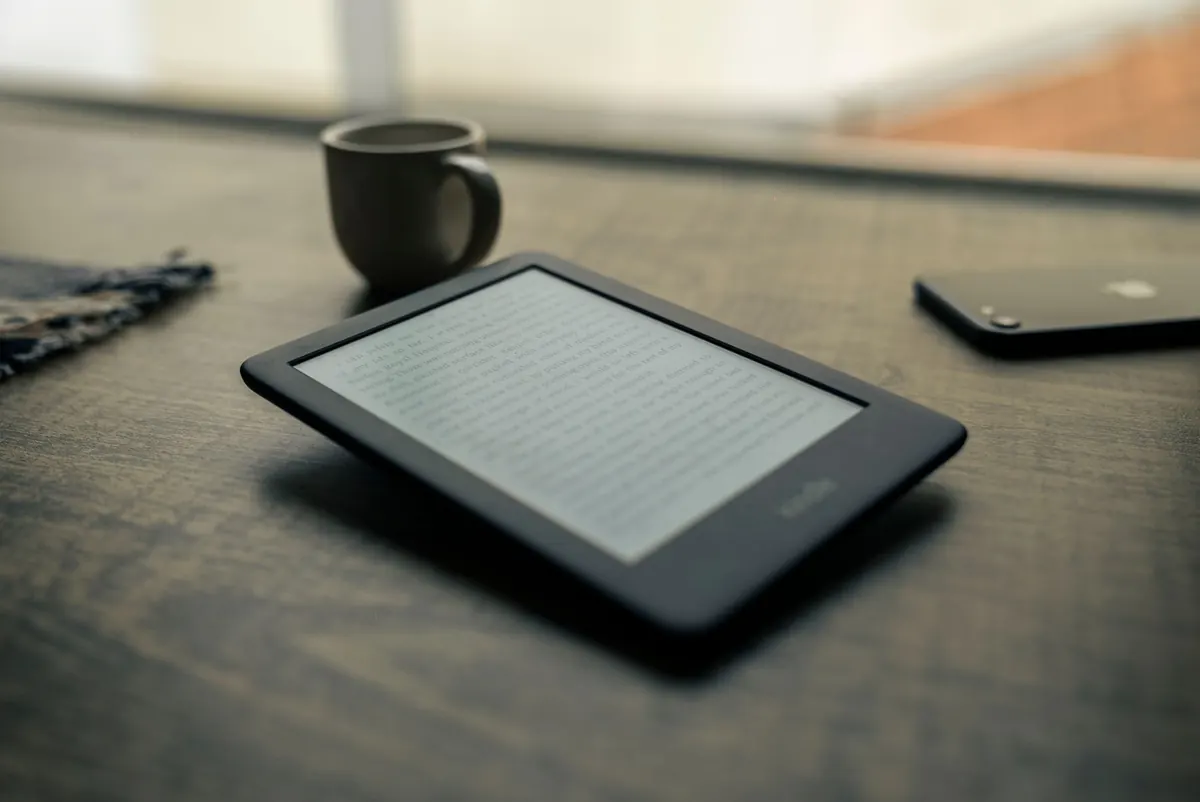
The Kindle Paperwhite has been the sensible middle child of Amazon's e-reader range for years: a clear step up from the basic Kindle, well short of the priciest models. Every generation adds a little more, and the question UK readers keep asking stays the same. Is the current Paperwhite worth buying, or worth upgrading to from the one already sitting on your bedside table?
Having read on a Paperwhite most evenings for the past couple of years, with an older model still living in a rucksack, the honest answer is that it depends on which Kindle you have now. So here is what actually matters in daily use, and where the money is best spent.
The obvious shifts are the screen and the charging port. Older Paperwhites used a 6-inch display and a micro-USB cable; the newer ones moved to a slightly larger 6.8-inch screen and then to 7 inches, with USB-C charging throughout the range. Warm adjustable lighting arrived with the 11th generation, and it is the single most useful addition in years.
Page turns and menus are noticeably snappier too, though not so dramatically that an older Paperwhite feels broken by comparison. If you are stepping up from a basic Kindle without a front light, the difference is far bigger than any generation-to-generation Paperwhite upgrade.
Text is sharp enough that you stop thinking about it, which is really the point of an e-reader. The display is flush with the bezel, so there is no sunken trench around the edge to collect crumbs from your toast, and glare stays manageable even with a lamp directly overhead.
The larger screen matters more than the spec sheet suggests. With a slightly bigger page you can raise the font size without turning every paragraph into a cliff face of hyphenated lines. If you read with larger text for comfort, that alone can justify the change.
Shifting the front light towards amber takes the clinical blue-white edge off late-night reading and makes a difference in a dark bedroom. Dark mode, which inverts the page to white text on black, is a matter of taste, but it is genuinely pleasant on a night train or beside a sleeping partner.
The IPX8 rating means the reader can survive being submerged in fresh water under the conditions Amazon specifies. In practice that covers the realistic accidents: a dropped bath book, a splash at the kitchen sink, rain on a station platform, a day by the sea where sand gets everywhere.
A few sensible cautions. Water resistance is not permanent and can weaken with age or after a knock. Do not charge a wet Kindle, and let the USB-C port dry out properly first. Rinse off salt water and screen protectors or cases are not covered by the rating, so a wet case still needs drying. Steam rooms and soapy bath water are best avoided.
Amazon's headline battery figure assumes roughly half an hour of reading a day with the light set fairly low and wireless switched off. Read for two hours a night with brightness near the top, keep Wi-Fi on for syncing, and you will see considerably less than that. It is still weeks rather than days, which is the important thing.
A few habits stretch it further:
Rather than quote figures that go stale, it is worth knowing how the range is structured so you can judge a price when you see it. The basic Kindle is the cheapest option and now has a front light; the standard Paperwhite sits above it; the Signature Edition adds wireless charging, an auto-adjusting light and more storage for a further premium.
Two UK-specific points are easy to overlook. First, Amazon sells a cheaper version with lock-screen adverts. If you would rather not swipe past an advert every time you pick the reader up, pay the small uplift for the ad-free model and forget about it. Second, Certified Refurbished units come with the same one-year warranty and are frequently the best value in the range, particularly the previous generation once a new one launches.
Prices move around a lot. Prime Day, Black Friday and the run-up to Christmas are the times when a discount is worth waiting a few weeks for, and trade-in credit for an old Kindle can shave a useful amount off a new one.
Upgrade if any of these sound like you:
Hold off if your Paperwhite is one or two generations old. The screen is already sharp, the light already warms up, and you already charge with USB-C. In that case, a new case, a spare cable for your bag, or a few good books is a better use of the money. If you mostly want a second reader for travel, a Certified Refurbished older model is a sensible buy.
For most UK readers the Paperwhite remains the model to beat: comfortable in the hand, readable in the bath and in bed, and cheap enough per year of use to feel like a good decision. If your current Kindle still does the job, keep it. If it is old, dim and thirsty for a micro-USB cable, the upgrade is easy to justify.
Photo: @felipepelaquim - / Pexels